 Academic Intelligence

CheckItQuick
Keep school records up to date — in seconds.
A simple, friendly way for parents to review and update the contact and pupil details their child's school holds. Less admin for the school, peace of mind for parents.
Academic Intelligence designs and builds focused tools that take the friction out of school admin — from CheckItQuick for fast parent data updates to AISMIS, the school information system for trusts and groups.
About
We build small, sharp web apps for schools, parents and students — the kind of tools that solve one job properly. No bloated platforms, no steep learning curves. Just modern software that respects everyone's time.
For trusts and multi-academy groups, AISMIS brings admissions, attendance, assessment, compliance and parent visibility together on one platform. CheckItQuick complements existing iSAMS setups with a lightweight way for parents to keep contact details current.
Products
Focused tools, each one built to do a single job exceptionally well.
Keep school records up to date — in seconds.
A simple, friendly way for parents to review and update the contact and pupil details their child's school holds. Less admin for the school, peace of mind for parents.

School information system for trusts and groups.
A multi-portal MIS for England school groups — Admin, Staff, Leadership, Parents and public Admissions. Attendance, assessment, admissions with Stripe, compliance tooling and read-only parent visibility across linked groups.
How it works
A glimpse of how our products feel in practice — light, fast and respectful of everyone's time.
This can be all set up by the school in minutes.
Parents check their details, fix anything out of date and submit.
Registered admins for the school can do this individually or in bulk from the admin portal.
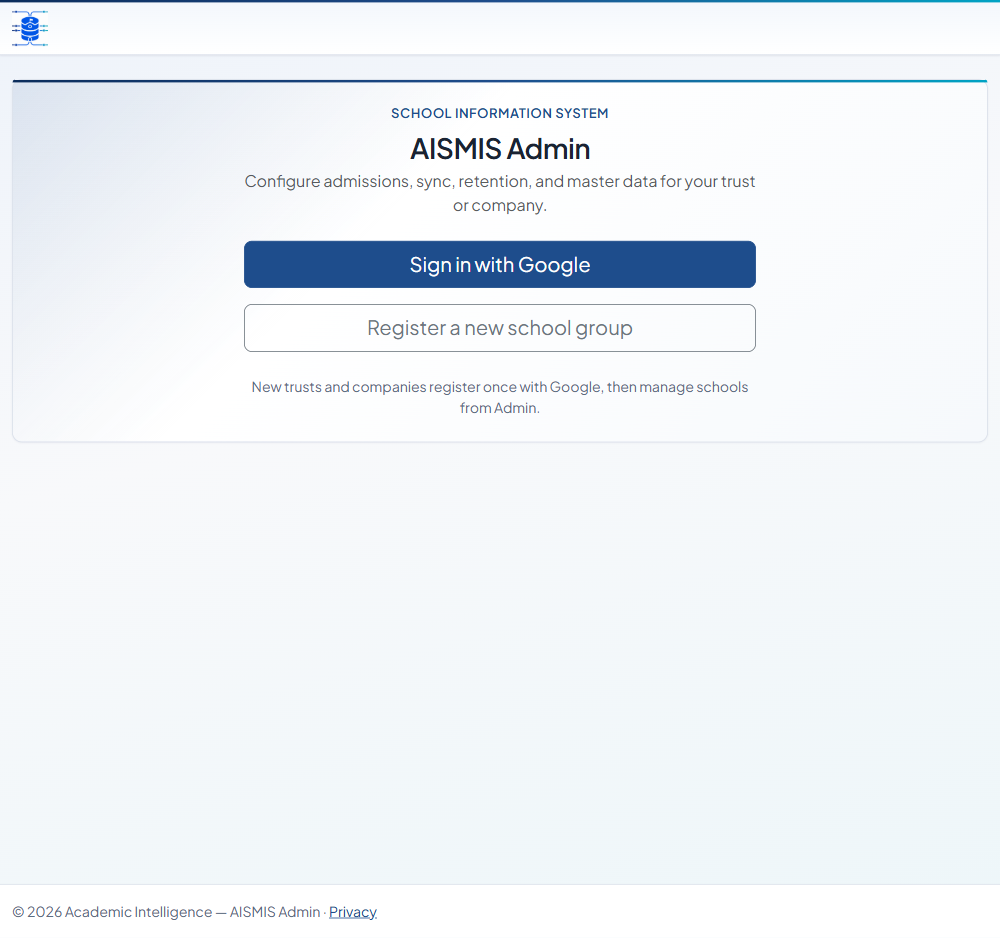
Sign in with Google at Admin and register your school group. A dedicated database is provisioned for your trust.
Admin sets up schools, registers and admissions. Staff mark attendance and record grades, behaviours and SEND records.
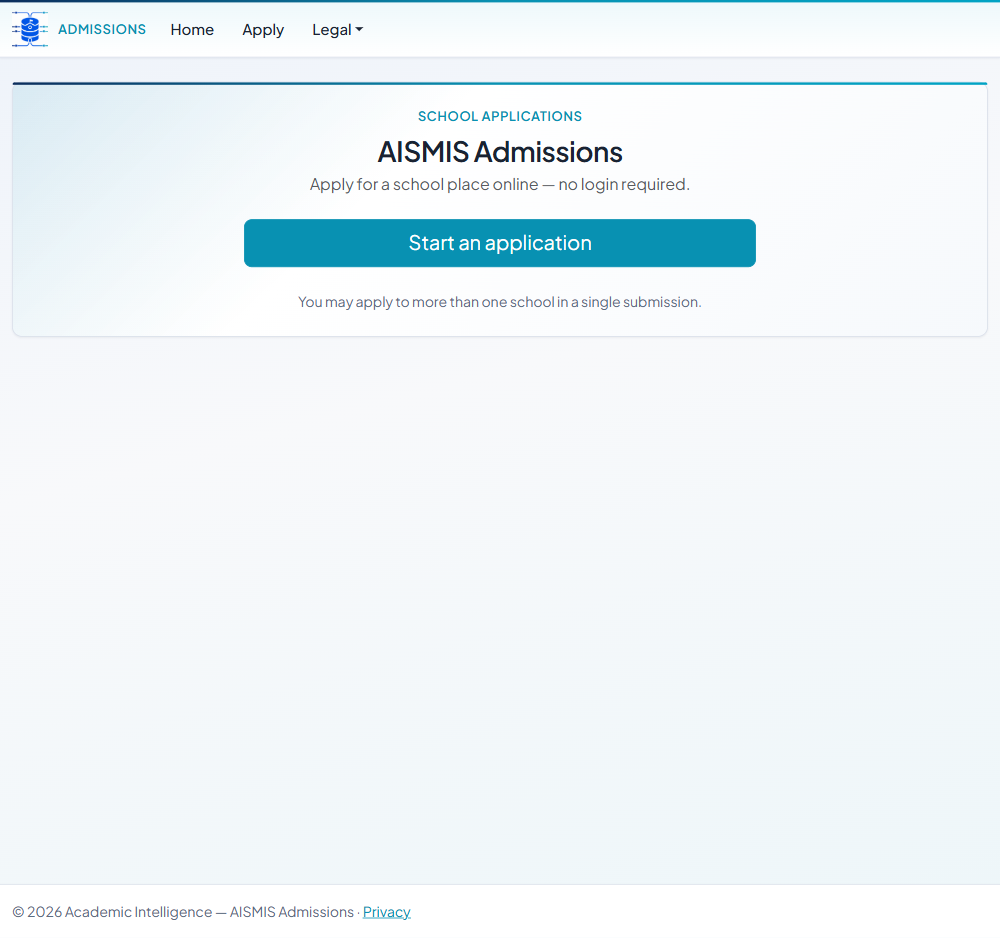
Parents view linked pupils across groups. Prospective families apply for school places online via Admissions — no login required.